Country flags for web UI
Country flags SVG download for clear regional UI
Download 256 small SVG country flags for websites, apps, dashboards, region pickers, server lists, and localization UI. Pair each flag with text so users never have to guess.
Overview
Use flags for regions, not as language shortcuts
Use flags when the choice is a country, region, market, shipping zone, currency, office, or server location. They can support localization, but they should not replace readable language names.
Fit check
Flags and language selectors do different jobs
A flag points to a place. A language selector helps people read the page. The clearest UI pairs a flag with a native language label, region name, or country name.
Use flags for regional context
- Country or region pickers where the visible label names the country or market.
- Server location lists, shipping zones, office locations, currency selectors, and regional pricing tables.
- Localized landing pages where the URL, copy, metadata, and flag all point to the same region.
- Compact dashboards where a small visual cue helps users scan country-specific rows quickly.
Avoid flags as the only language label
- Language switchers that show only a flag and no language name.
- Markets where one country contains multiple official languages or one language spans many countries.
- Decorative flag clouds that add network requests without helping the user make a decision.
- Alt text that says only DE, flag, or icon when the flag should name the country.
Table of Content
Flag set
Choose a flag shape without changing your code
Each set contains 256 SVG flags. Use rectangles for lists, circles or squares for compact controls, waves for featured regions, and ovals for badges. The country code stays the same.
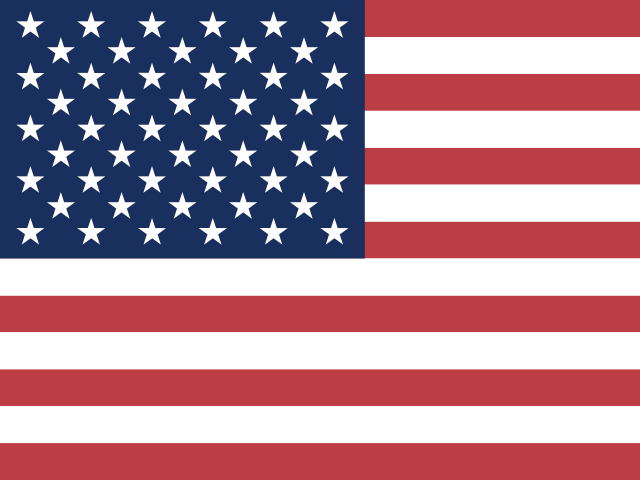
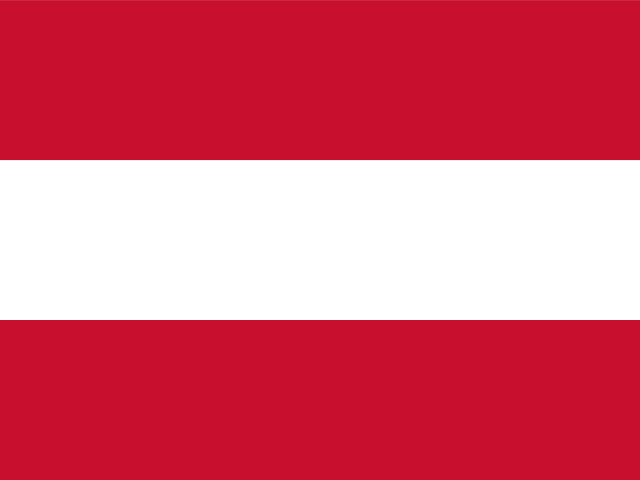
Rectangle flags
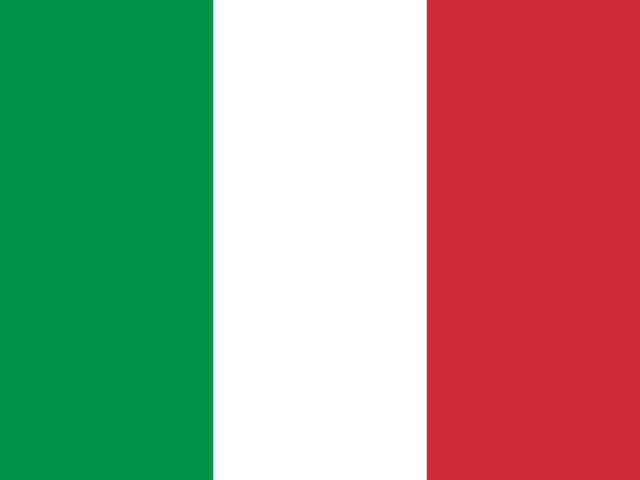
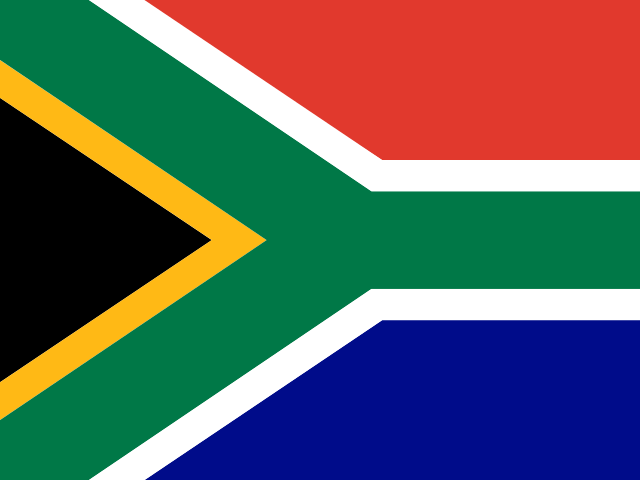
Use the classic ratio for country lists, pricing tables, server locations, and rows that need neat alignment.
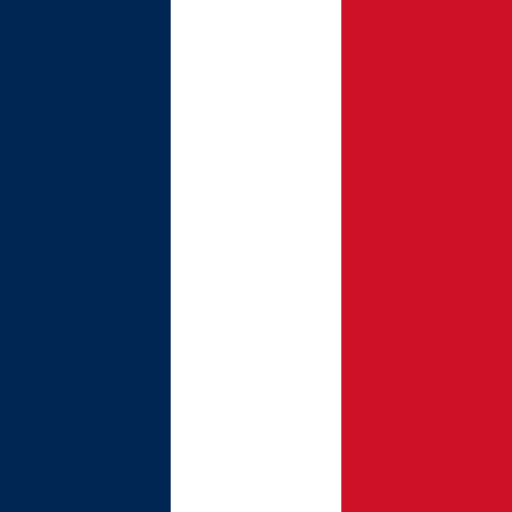

Circle and square flags
Use compact shapes for profile pickers, language drawers, mobile navigation, table chips, and small status controls.
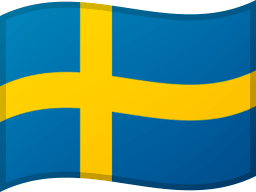

Wave flags
Use wave flags for hero sections, country highlights, and featured region panels.
Oval flags
Use oval flags for badges, marketplace labels, product callouts, and softer layouts.
Accessibility
Accessible flag UI needs clear text
A flag can support a choice, but text should explain it. Use alt text such as Flag of Germany for informative flags, empty alt text for decorative flags, and visible country or language names for controls.
Describe informative flags
Use clear alt text when the flag adds country information. If the country name is already visible, the flag can be decorative.
Never rely on the flag alone
A control should show a country, region, or language name in text. That helps screen readers, translation tools, and users who do not know the flag.
Size controls, not only images
Small SVG files are fine, but the clickable area still needs to be comfortable on mobile and keyboard-focusable in forms and menus.
Performance
Keep SVG flag delivery simple
SVG works well for country flags because edges stay crisp and files stay small. Keep files cacheable, avoid hundreds of inline SVGs, and load only the flags users can see or need soon.
Use SVG for crisp edges
Flags contain sharp geometry and flat colors, so SVG usually stays smaller and cleaner than multiple raster sizes.
Cache by file path
Keep flag URLs stable and let static-file caching do the boring work across repeated visits.
Avoid huge inline dumps
Inline SVG is useful for a few icons, but a page with hundreds of inline flags becomes heavy to parse.
Reserve layout space
Set width and height in markup or CSS so the interface does not jump while flags load.
Implementation
Start with semantic markup
Start with a real link or button, add a text label, set the flag size with CSS, and load the SVG from a cacheable path. That gives users, search engines, and assistive tech useful context.
Accessible country option markup
This pattern works for region pickers, country filters, and store links because the visible text carries the meaning.
<a class="country-option" href="/de-de/" hreflang="de-DE">
  <img class="country-option__flag"
       src="/svg/flages/4x3/de.svg"
       width="24"
       height="18"
       alt="Flag of Germany" />
  <span>Deutsch - Germany</span>
</a>
Stable flag sizing
Fixed dimensions prevent layout shift and make mixed flag shapes easier to scan.
.country-option {
  display: inline-flex;
  min-height: 44px;
  align-items: center;
  gap: 10px;
  padding: 8px 12px;
}

.country-option__flag {
  width: 24px;
  height: 18px;
  flex: 0 0 auto;
  object-fit: cover;
  border-radius: 4px;
}
SEO and UX
Flags need regional context for SEO
Search engines do not rank a page because it has a flag. Flags help when the URL, headings, hreflang tags, metadata, links, and body text all explain the same region.
Match flags with culture-aware links
Localized URLs and hreflang tags carry stronger SEO meaning than an image. Flags should support those signals, not replace them.
Keep title, H1, and description distinct
Use a focused title, a natural H1, and a meta description that invites the user to review or download the flag set.
Use meaningful filenames and alt text
A file such as de.svg is fine for code, but visible content and accessible labels should say Germany or the relevant country name.
Use flags where they reduce effort
If a flag makes users guess, remove it or add clearer text. Good localization UI is clear without a legend.
Get started
Test the free samples first
Test the samples in your real selector, table, menu, or dashboard. When spacing and labels feel right, buy the full set and keep the same country-code implementation.
FAQ
Should I use country flags for language selection?
Use country flags only as a supporting visual cue. A language selector should also show the language name because one language can be spoken in many countries and one country can have several languages.
Why are SVG flags better than PNG flags?
SVG flags stay sharp at every size, usually require very small files, and work well with responsive layouts. PNG can still be useful for legacy systems, but it needs fixed image sizes.
How should I write alt text for a flag?
When the flag is meaningful, use text such as Flag of Germany. When the country name is already visible and the image is decorative, use empty alt text so screen readers do not repeat the same idea.
Do flags improve SEO by themselves?
No. Flags support SEO only when the page also has clear regional copy, culture-aware URLs, hreflang tags, useful metadata, and accessible labels.
How many flags are included in the set?
Each set contains 256 SVG country flags. You can use rectangle, square, circle, wave, and oval shapes depending on the layout you are building.
How can I keep a page with many flags fast?
Serve flags as optimized SVG files from cacheable paths, reserve their display size, and avoid rendering hundreds of inline SVG documents when normal image files are enough.